
Monet filter camera
A Monet filter camera: shoot in the style of five famous painters
MonetCam turns your photos into impressionist-style paintings. Choose Monet, Cézanne, Munch, Bosch or Egon Schiele on the camera screen and let AI image processing repaint the scene in that painter’s manner.
Free to download for iPhone and Android.
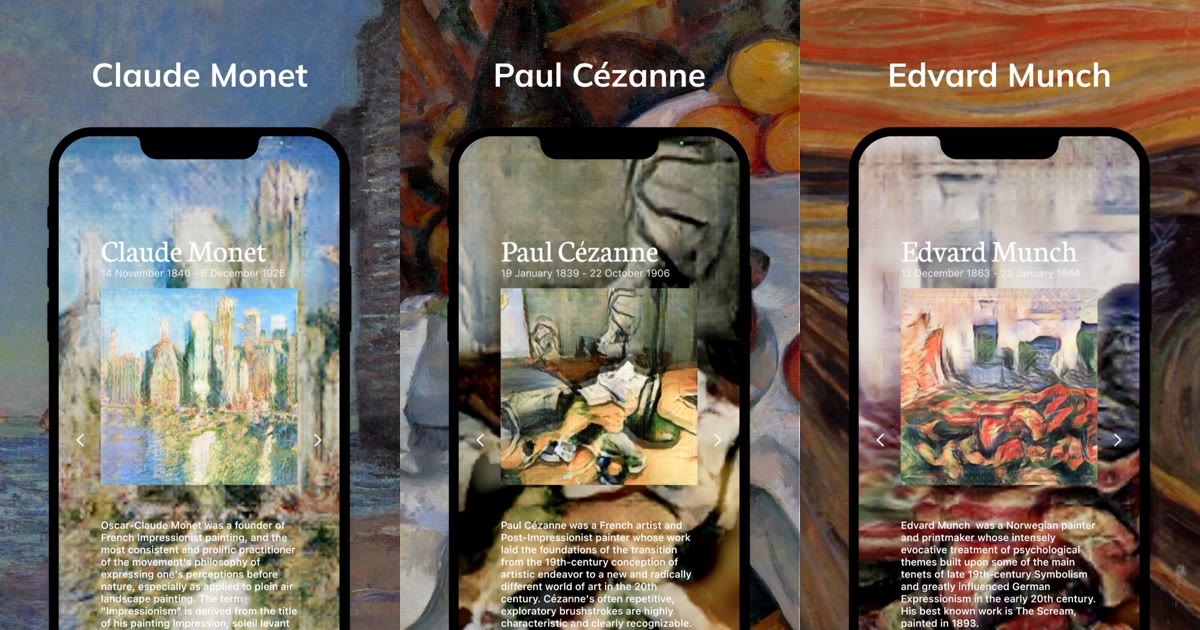
Five painters, five different looks
Each painter on the camera screen comes with a sample painting and a short biography, so you can see what kind of look you are choosing.
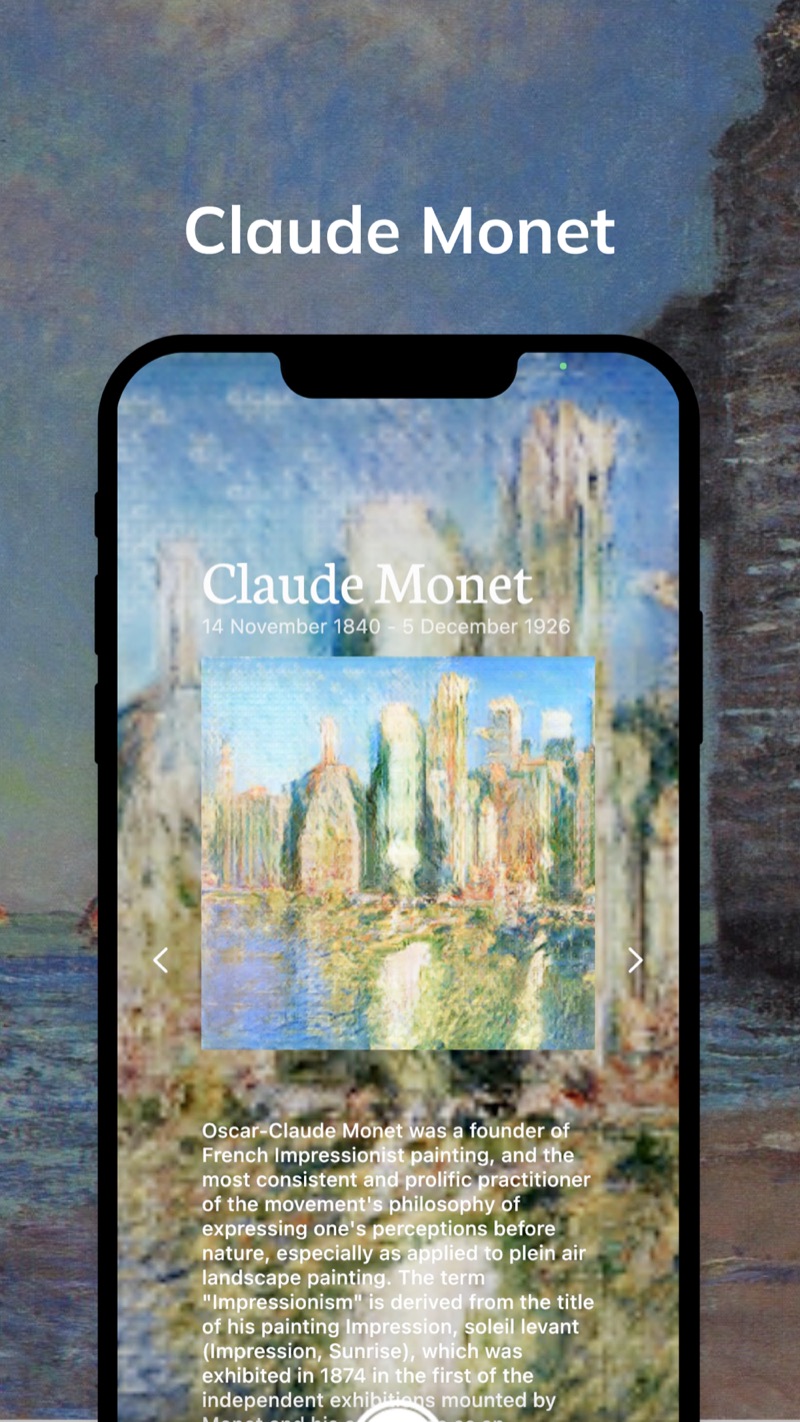
Monet: the impressionist look
The app introduces Claude Monet as a founder of French Impressionist painting, known for plein air landscapes; his “Impression, Sunrise” gave the movement its name. Pick Monet when you want a landscape or street scene to feel soft and full of light.
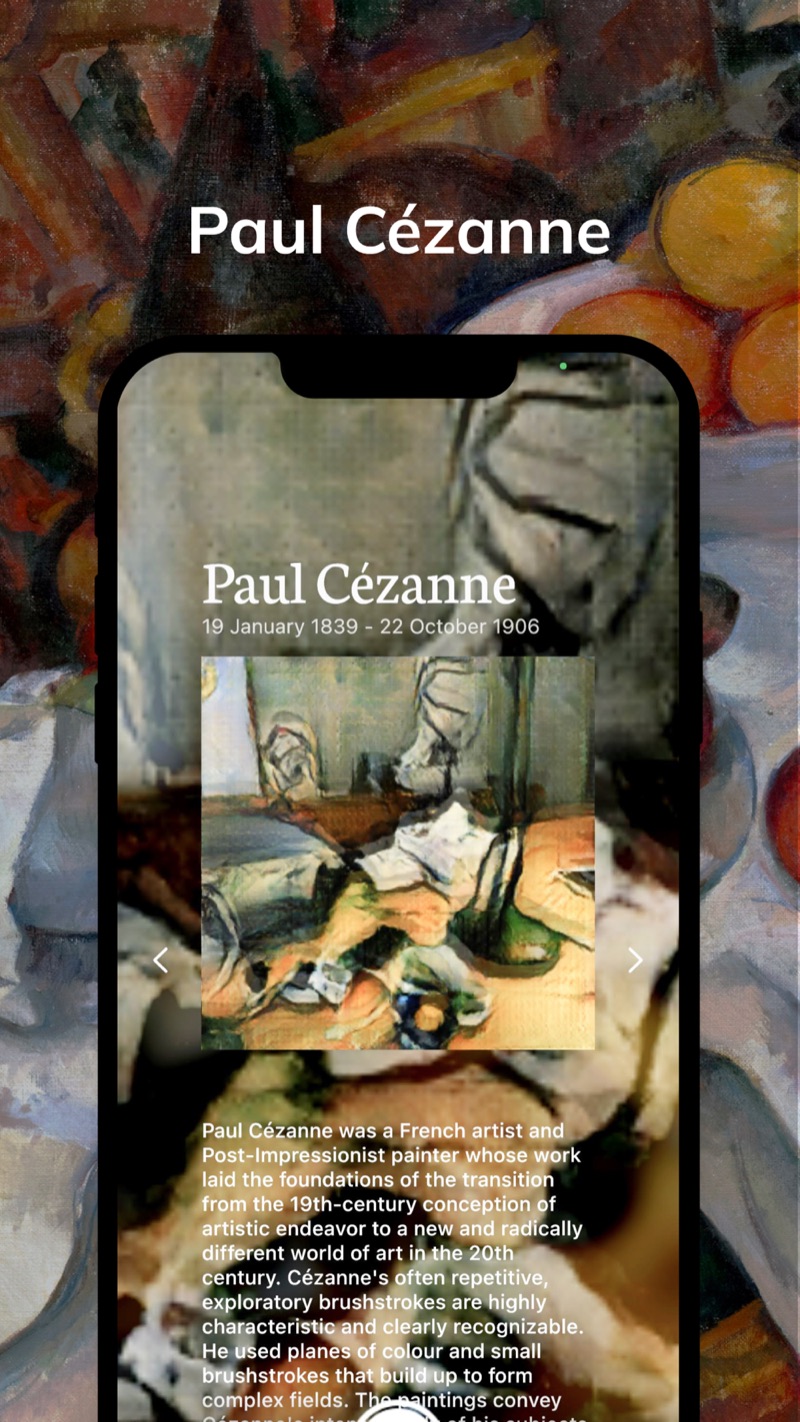
Cézanne: planes of color and small brushstrokes
Cézanne is described in the app as a Post-Impressionist whose planes of color and small, exploratory brushstrokes are highly recognizable. Choose him to give everyday scenes and still lifes a structured, painted feel.
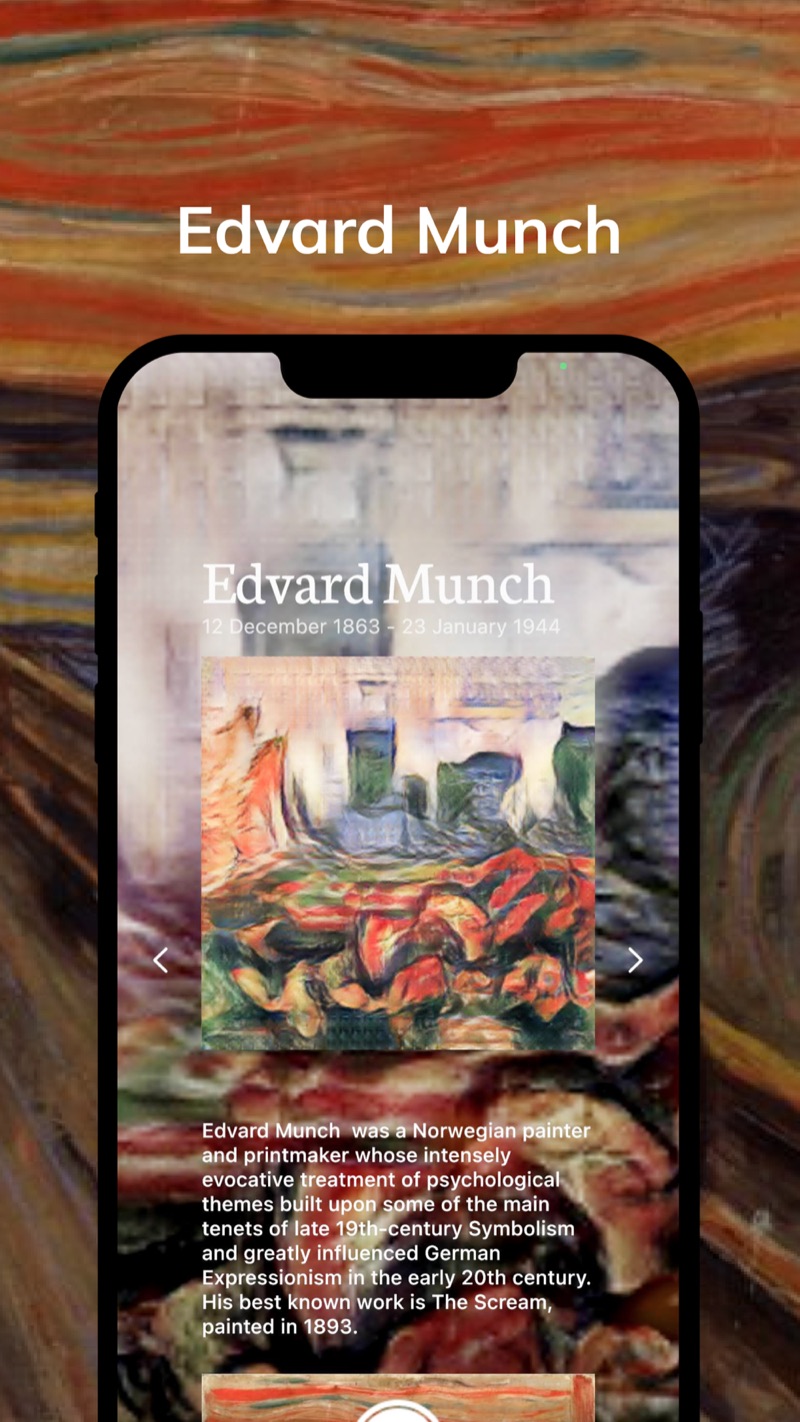
Munch: swirling, emotional color
Edvard Munch is introduced as a Norwegian painter whose work treats psychological themes intensely; his best known work is The Scream, painted in 1893. Pick Munch for a photo that should feel dramatic and emotional.
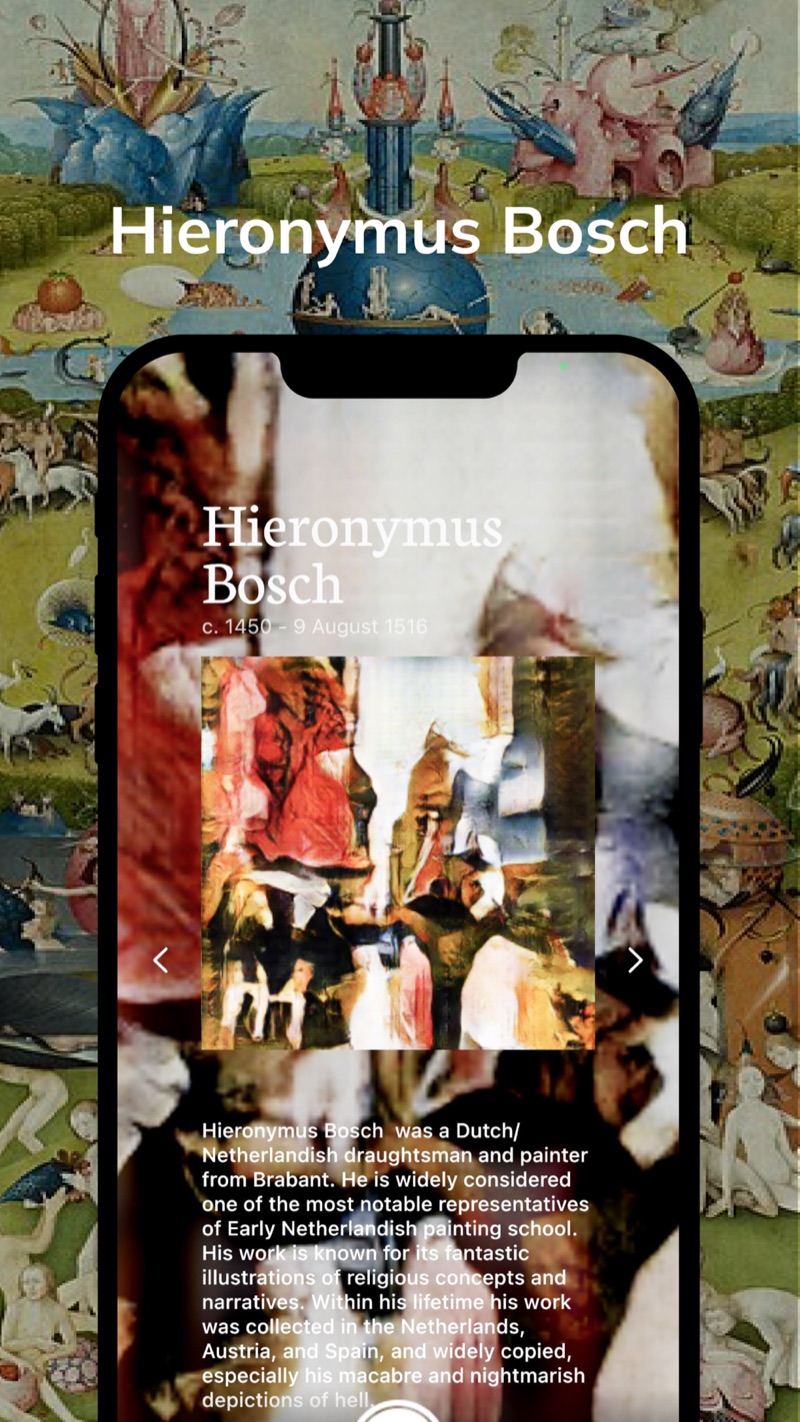
Bosch: dreamlike and surreal
Hieronymus Bosch appears as an Early Netherlandish painter known for fantastic imagery. The store text promises looks “from Impressionism to Surrealism”, and Bosch is the pick when you want something stranger than soft impressionist color.
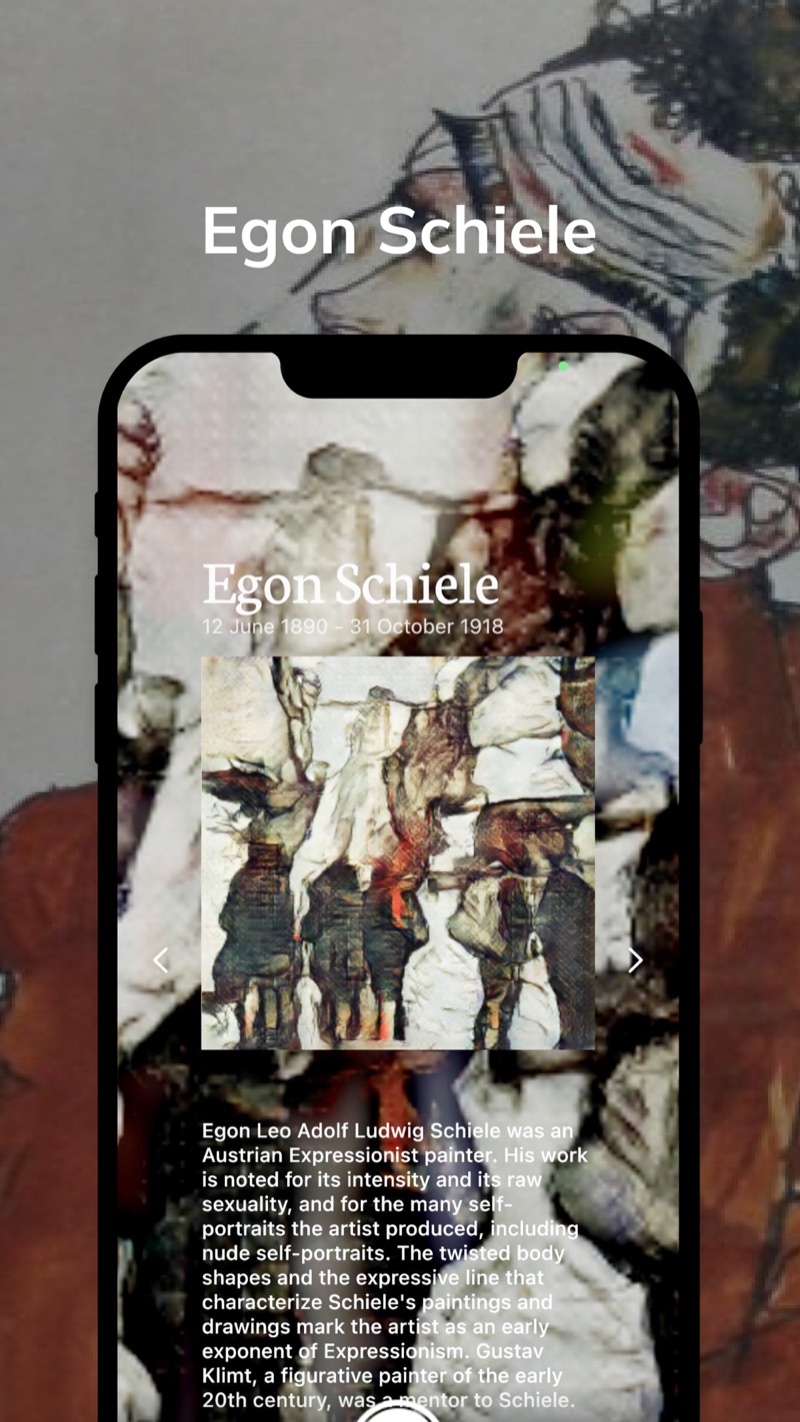
Egon Schiele: expressive line
Egon Schiele is introduced as an Austrian Expressionist painter, marked by twisted body shapes and expressive line. Choose him when you want a raw, line-driven look instead of smooth color.
How to paint a photo with MonetCam
Open the camera
Launch the app and point the camera at what you want to paint.
Choose a painter
Pick Monet, Cézanne, Munch, Bosch or Egon from the row of names on the camera screen. The arrows move to the next painter.
Press the shutter
Take the shot and get a picture in the style of the painter you chose.
Frequently asked questions
Is MonetCam free?
It is free to download on the App Store and Google Play. Google Play lists the app as containing ads. Check the store pages for current in-app purchase details.
Which painters can I choose?
Five are shown on the camera screen: Claude Monet, Paul Cézanne, Edvard Munch, Hieronymus Bosch and Egon Schiele. The store listing also mentions watercolor-style effects and looks ranging from Impressionism to Surrealism.
Is the result a real painting by those artists?
No. MonetCam uses AI image processing to give your photo a look inspired by each painter’s style. It is a stylized version of your own photo, not a copy of the original paintings.
Can it process video?
The update notes for version 2.3.2 mention fixes for crashes when processing long videos and for video conversion, so video is part of the app. The store description does not go into detail, so check the app for what is available.
How is MonetCam different from AI Gahaku?
Both come from the same developer. AI Gahaku is built around turning portraits and selfies into paintings, with a large library of art styles. MonetCam is a camera where you choose one of five named painters and shoot in that style. You can learn more about AI Gahaku at ai-art.tokyo.
Which devices are supported?
iPhone with iOS 12.1 or later, and Android through Google Play. The app is available in English and Japanese.
Take your next photo as a Monet
Free to download for iPhone and Android.